
If you only evaluate AI note tools by brand recognition, you will almost certainly buy the wrong subscription. “AI note taker” is not one job. For some people it means live lecture capture; for others it means turning a PDF syllabus pack into flashcards; for others it means summarizing long YouTube courses into something they can revise the night before an exam.
This guide is written like an editorial roundup, not a landing page: we group tools by what you are actually trying to accomplish, then recommend a short list you can validate in a weekend. Pricing and feature flags change often—confirm details on each vendor’s site before you pay.
If your semester spans live classes plus messy inputs (slides, readings, recordings, links), a dedicated notes generator workflow usually beats copy‑pasting into a general chat UI. Thetawave is an AI note‑taking platform for college students: it captures lectures in real time and turns audio, text, files, and YouTube into formatted notes, mind maps, quizzes, flashcards, podcasts, and more—the same “Learn 10x faster” story the product uses on the main site. On the site, that intent split is explicit: AI Notes Generator targets generate / create / turn into (uploads and links → structured outputs); AI Note Taker targets capture / record / transcribe (live lecture capture). Most heavy semesters need both; Thetawave is built to cover both core jobs without treating them as the same feature.
Key takeaways
- Pick by input first: live audio vs PDF vs YouTube vs “already have a transcript” leads to different winners.
- Pick by output second: if you need flashcards, quizzes, and audio review, shortlist tools that ship a study stack, not only a paragraph summary.
- Otter.ai remains a strong default when the job is meeting‑grade live transcription; it is not always the best student revision system by itself.
- NotebookLM shines when the job is grounded document synthesis inside an ecosystem you already trust—less so as a full lecture capture replacement.
- ScholarAI can be a useful free entry point for lightweight “slides → notes” workflows; depth and multimodal coverage vary.
- Thetawave fits college learners who want university‑oriented workflows: real‑time lecture capture, multi‑format inputs (audio, text, files, YouTube), and a full study stack—notes, mind maps, quizzes, flashcards, podcasts, infographics, plus interactive AI Q&A—with positioning aimed at students worldwide (not generic “anyone” productivity). Proof points the brand publishes include 300,000+ students, 95% lecture capture, and 10 languages—always sanity‑check on your own courses.
A practical taxonomy: AI note takers by primary use case
Use the table below as a routing map. Most students are not purely one row; choose the row that represents 60% of your semester pain.
| Primary use case | What “good” looks like | What to avoid |
|---|---|---|
| A. Live lecture / seminar capture | Stable long‑form capture, timestamps, searchable transcript, export that survives exam week | Tools that summarize aggressively and erase details you need for problem sets |
| B. “I already have audio” → structured notes | Clean sectioning, definitions, formulas handled carefully, editable output | Pipelines that hallucinate citations or invent lecture quotes |
| C. PDFs / slides / readings → notes | Page‑aware structure, headings, optional Q&A grounded in the file | Generic summarizers that ignore layout and equations |
| D. YouTube / video courses → notes | Chapter‑like structure, examples preserved, link back to timestamps | Tools that only output vague “three takeaways” marketing copy |
| E. Revision assets (flashcards, quizzes, maps, audio) | Consistent terminology, cloze‑friendly cards, quiz items tied to your material | “AI flashcards” that are unrelated trivia |
| F. General knowledge work (internships, meetings) | Action items, decisions, shareable recap | Student study features you will not use |
Why this matters: transcription solves a capture problem; study generation solves a retention problem. The best AI note taker for you is usually the one that matches the step where you lose time today—not the one with the loudest ad spend.
What makes a great AI note taker (evaluation criteria)
When we compare tools, we look for a small set of boring but decisive traits:
- Input coverage: can it handle what you actually bring (live audio, uploads, links, screenshots, messy slides)?
- Fidelity vs compression: does it preserve testable details (definitions, assumptions, exceptions) or only produce motivational summaries?
- Study outputs: can it generate artifacts you will reuse—cards, questions, outlines—without forcing a separate toolchain?
- Editability: can you correct terminology once and propagate that correction cheaply?
- Workflow friction: how many tabs, exports, and manual merges does a “single lecture” cost?
A final reality check: no model is perfectly grounded. Treat every auto‑generated note like a first draft you audit—especially for STEM proofs, law‑style readings, and anything resembling a graded submission.
Why “best” depends on semester shape (not hype)
Higher education in the United States still serves tens of millions of students across degree‑granting institutions—scale alone explains why “student productivity” tools multiply every year. The National Center for Education Statistics tracks college and university enrollment over time—useful mainly as context: a large, heterogeneous market where one‑size‑fits‑all note tools rarely win.
That heterogeneity is why roundups that rank purely on popularity tend to misfire. A tool that feels incredible for corporate meetings can feel mediocre for weekly problem sets if it never produces practice questions tied to your actual lecture examples.
Top AI note takers and study companions (2026)
Below is a short list of commonly compared options. We describe each in terms of trade‑offs, not victory laps.
1) Thetawave — best when you want real‑time capture and a student study stack
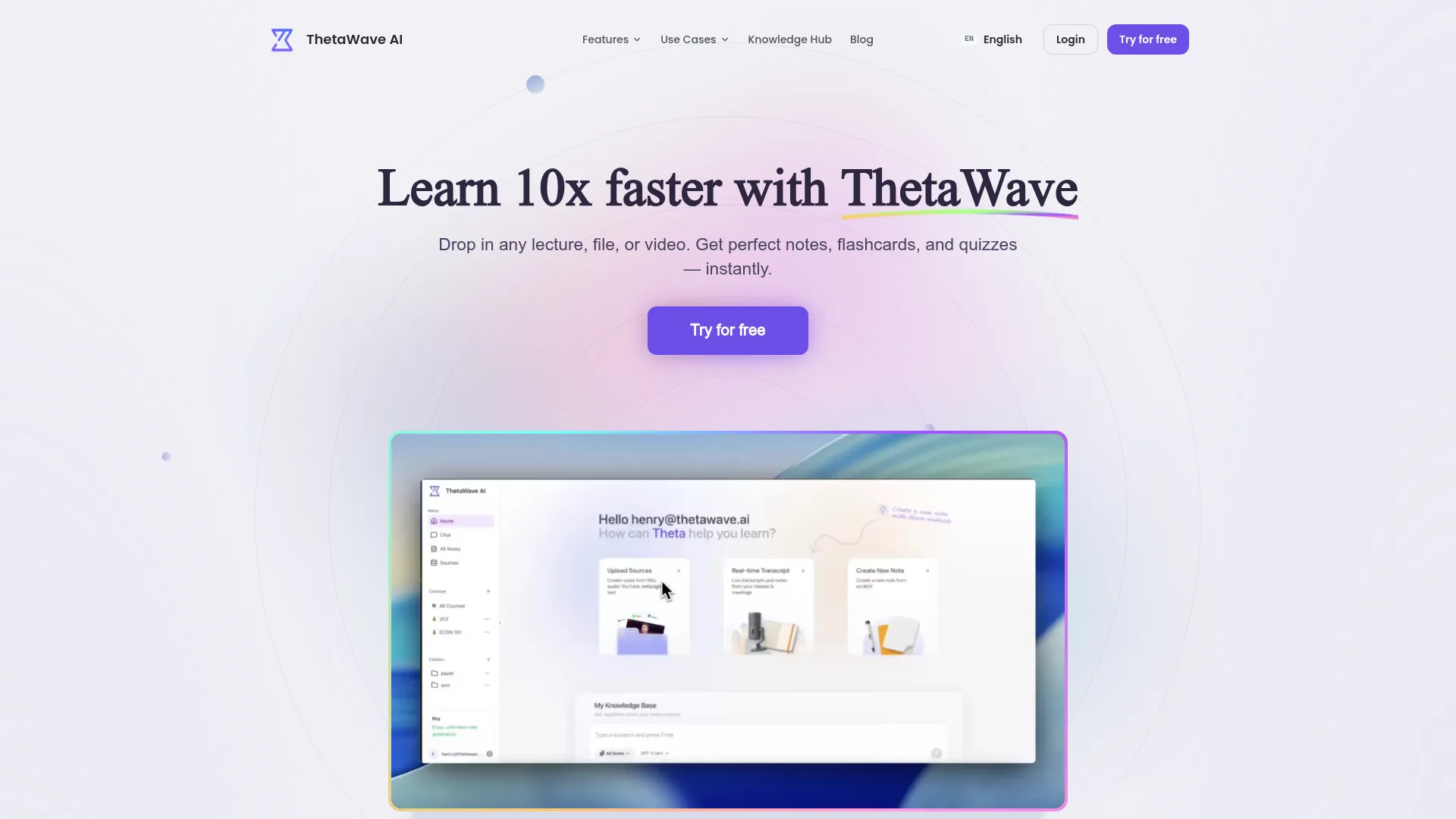
Thetawave markets itself as an AI‑powered note‑taking platform for college students—capture lectures in real time, then transform audio, text, files, and YouTube into formatted notes, mind maps, quizzes, flashcards, podcasts, and more (including infographics on the public feature map). Public messaging also stresses “Trusted by students from universities worldwide.” The positioning line students will see elsewhere is blunt: turn what you hate to learn into formats you’ll enjoy, with “Learn 10x faster with Thetawave” as the headline value prop—editorially, treat those lines as directional motivation, not a lab‑measured guarantee.
Where it differs from generic note apps or manual transcription workflows (per Thetawave’s own positioning) is the student‑specific bundle: multi‑format input plus multi‑format output in one product story, including podcast‑style review and math / table‑friendly note handling when your materials get technical.
Strengths: dual intent matches how the site is structured—AI Note Taker (live capture / record / transcribe) vs AI Notes Generator (generate / create / turn into from uploads and links)—see the two links in the introduction for the canonical URLs. Beyond that split, the product map follows input‑aligned routes (lecture, YouTube, PDF) and output‑aligned tools (flashcards, quizzes, mind maps, podcasts, infographics). For web pages and YouTube in the browser, Thetawave Quick Notes (Chrome Web Store) is the documented one‑click path and requires a thetawave.ai account, per the product docs.
Trade‑offs: like every “all‑in‑one” AI study stack, you still audit STEM proofs, citations, and anything exam‑ or submission‑adjacent; mobile + extension behavior should be validated against your devices.
Pricing (confirm on site): freemium with a free plan; Pro from ~$0.33/day on the annual plan (about $118.80/year), with weekly and quarterly options for exam weeks. Verified students get 30% off the first billing cycle.
Best for: undergraduates and graduate students who mix in‑room or online lectures with PDFs, slides, and video and want revision artifacts—not only a transcript or a one‑off summary.
2) Otter.ai — best for live transcription and meeting‑style recaps
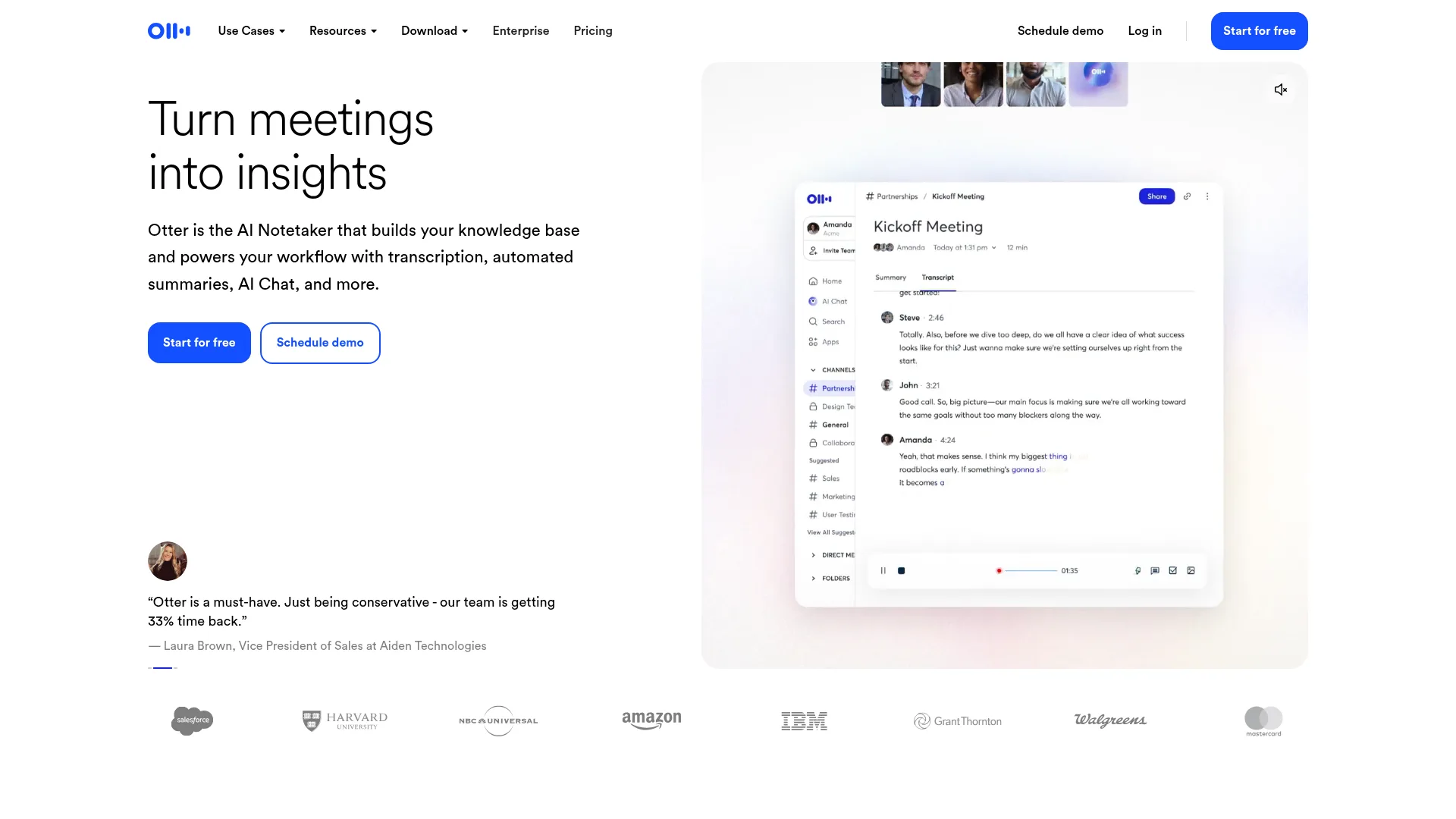
Otter.ai is widely known for real‑time transcription and meeting workflows. For students, it can be excellent when the core pain is getting a searchable record of what was said—especially in discussion‑heavy seminars.
Strengths: mature live capture; strong brand trust; good when your “note” is fundamentally a transcript plus light structuring. Trade‑offs: if your study system depends on flashcards, quizzes, and structured revision loops, you may still need another tool—or a manual process—to close the gap.
Best for: live audio capture and meeting‑like sessions where transcription quality matters more than auto‑generated practice tests.
3) Lemora AI — best for course‑material → study kit positioning
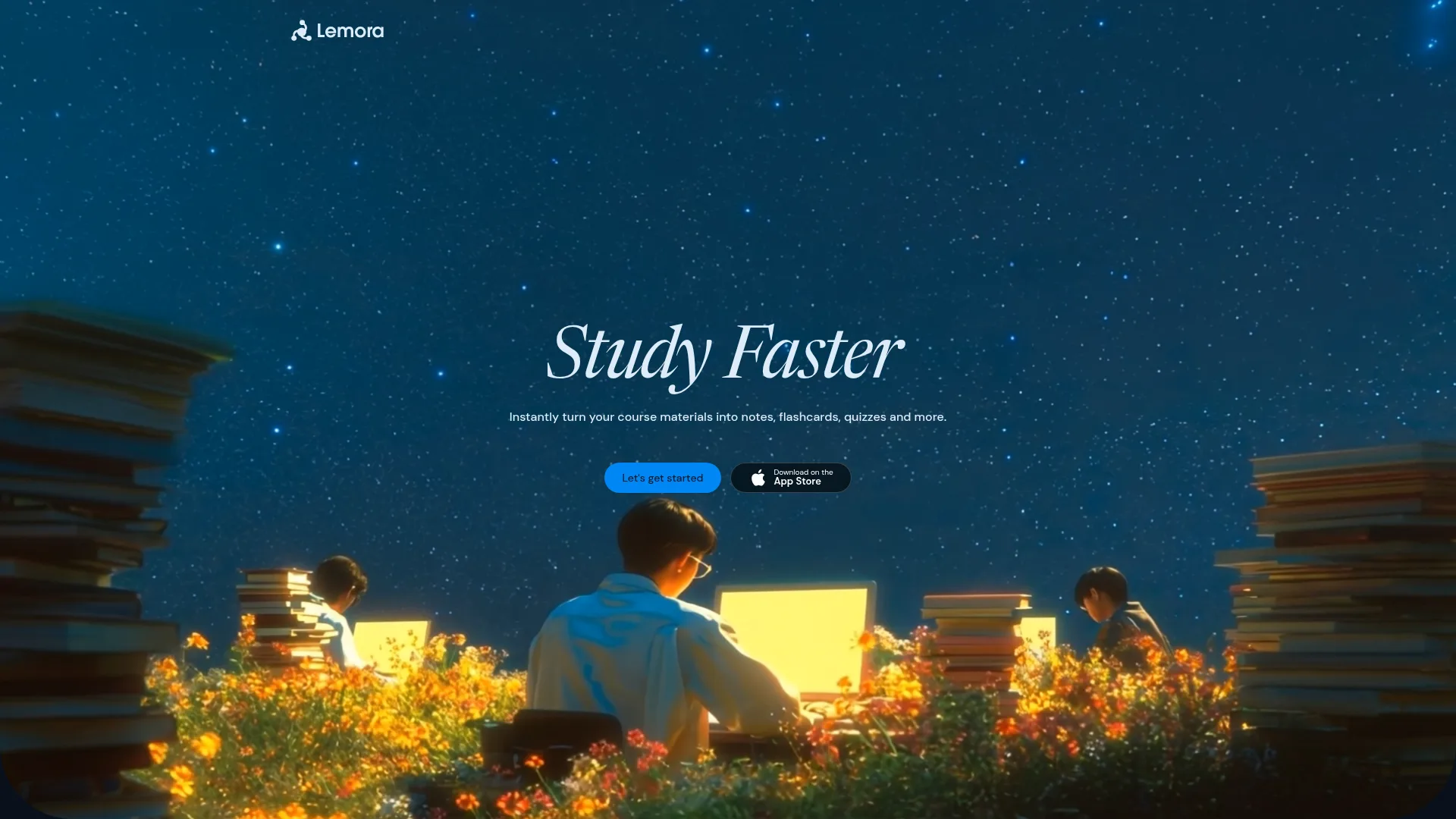
Lemora AI markets heavily toward learners who want to turn course materials into study aids (notes, cards, quizzes). Functionally, it overlaps with the “student study companion” category that has expanded rapidly since 2023.
Strengths: student‑oriented packaging; strong narrative around turning dense inputs into study formats. Trade‑offs: competitive category—compare export options, pricing, and whether your courses rely on equations or diagrams that are easy to mishandle.
Best for: learners who primarily live in uploaded materials and want multi‑format study outputs.
4) Jamworks — best when you want an “AI tutor” adjacent to notes
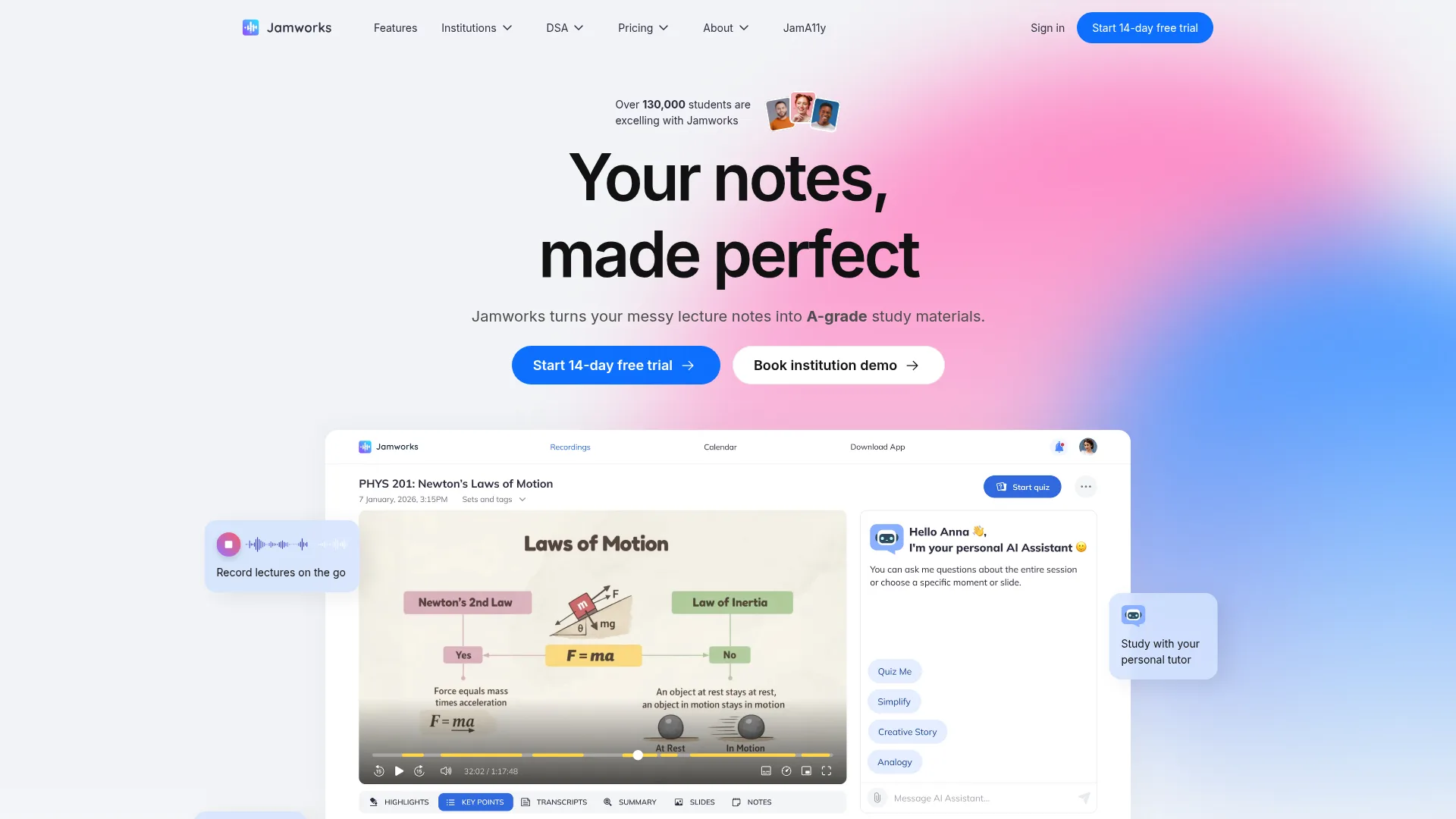
Jamworks emphasizes student workflows and an AI tutor angle alongside note generation. If you like the idea of questioning your materials in a guided way, this category can feel more “interactive” than pure transcription.
Strengths: student positioning; potential upside for learners who want dialogue around content, not only static summaries. Trade‑offs: “tutor” experiences vary widely in depth; validate whether answers are grounded in your uploaded sources for your subject.
Best for: students who want Q&A and guidance layered on top of captured content.
5) Solo AI — best for mobile‑first lecture capture
Solo AI leans mobile and lecture capture. If your behavior is “record first on the phone, deal with it later,” mobile UX and reliability often beat feature checklists.
Strengths: mobile‑oriented workflow; useful for in‑room capture habits. Trade‑offs: if your study stack is desktop‑first (PDFs, browser tabs, long readings), check whether exports and editing match your expectations.
Best for: on‑the‑go recording and phone‑first learners.
6) ScholarAI — best free‑tier entry for lightweight academic workflows
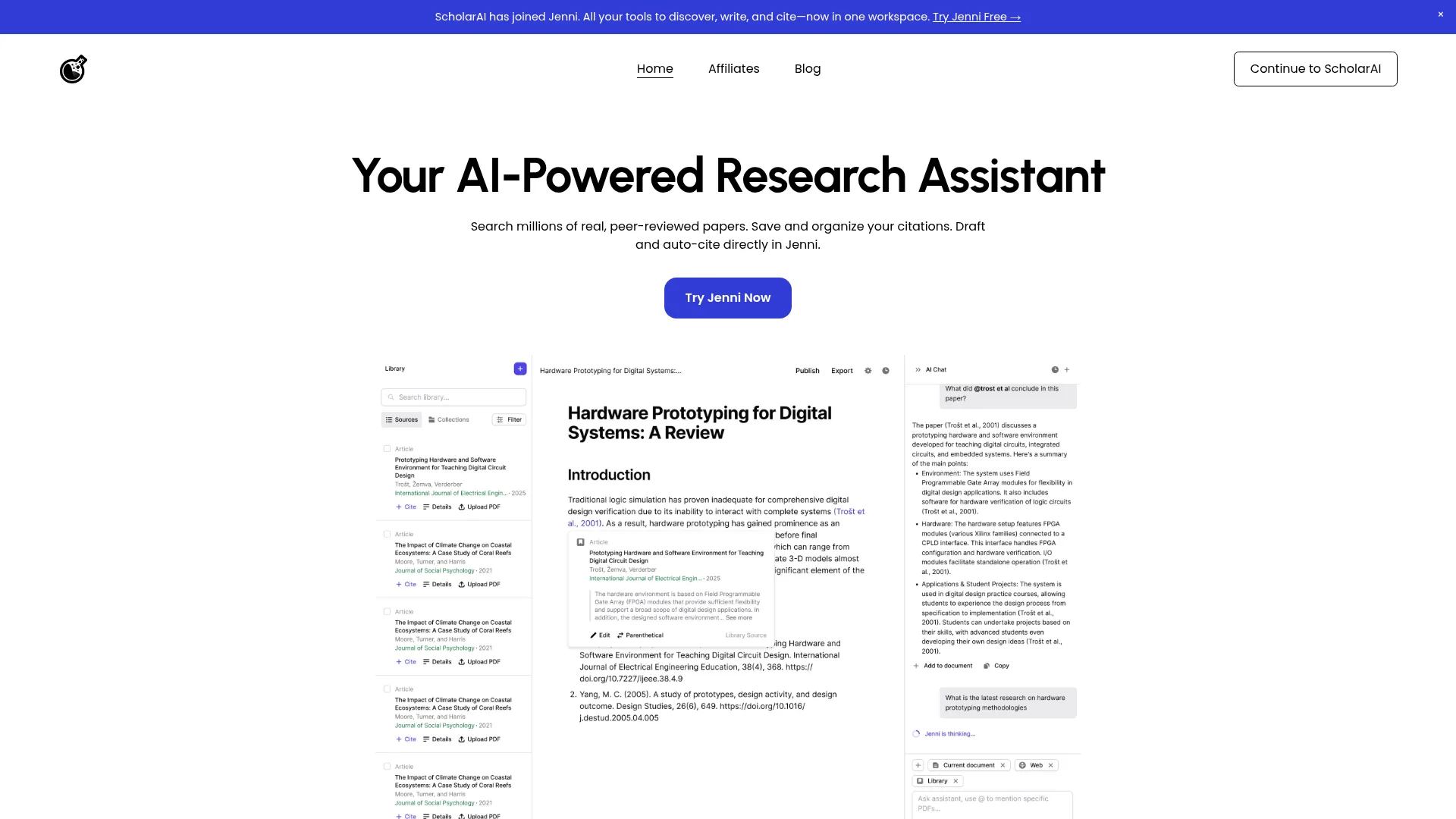
ScholarAI is commonly grouped with student‑facing AI assistants that emphasize research and coursework support (exact modules vary by plan). It is often cited as a low‑cost entry for experimenting with AI‑assisted reading and note‑adjacent workflows.
Strengths: accessible starting point for trying AI on academic material. Trade‑offs: free tiers often gate the features you discover you need at midterms—check limits early, and confirm whether your use case is research‑heavy vs lecture capture‑heavy.
Best for: budget‑constrained students who want a quick win before committing to a paid stack.
7) NotebookLM (Google) — best for grounded document workflows
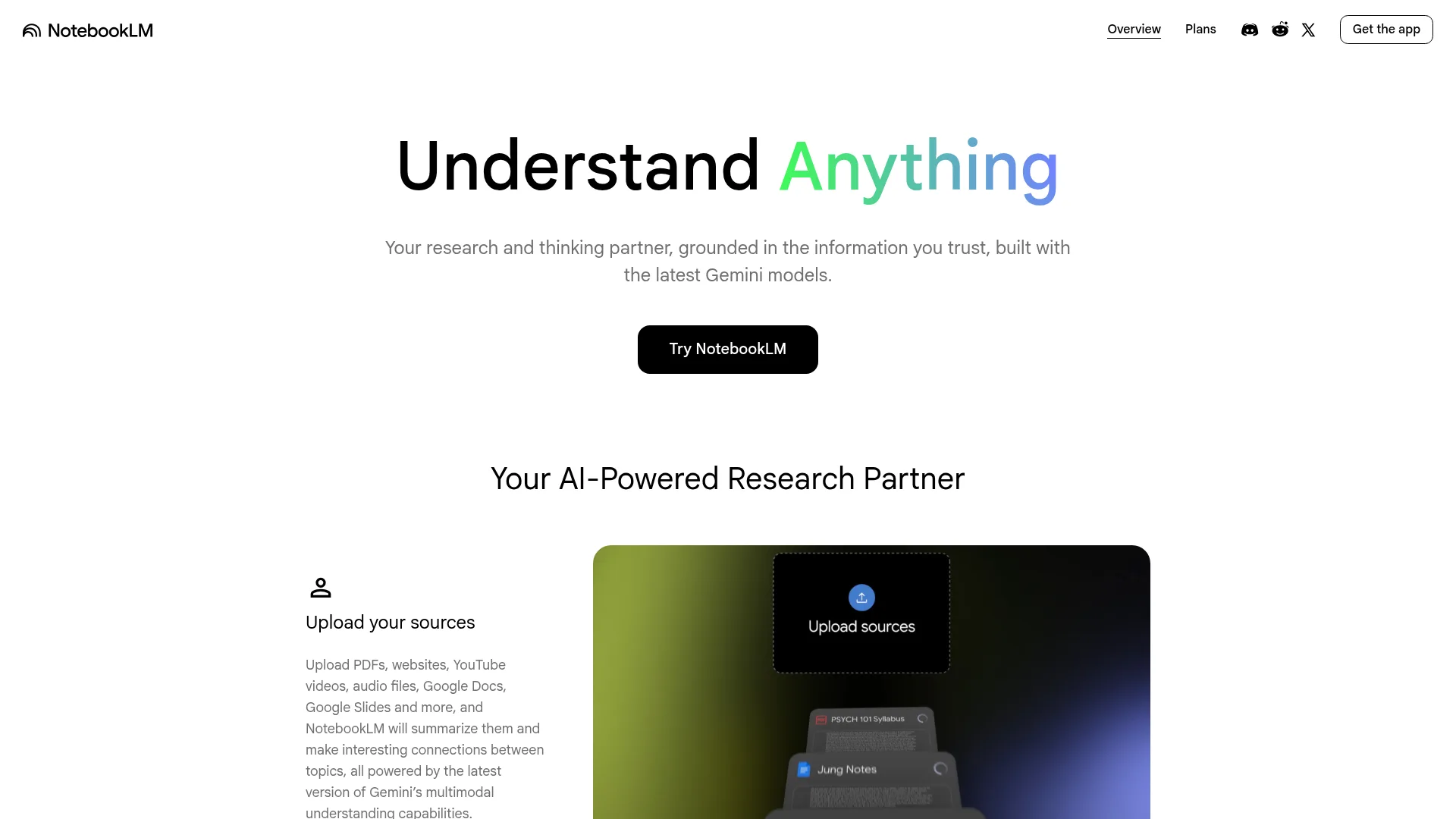
NotebookLM is useful when you want document‑grounded synthesis and exploration—especially for reading‑heavy courses where the source PDF is the authority.
Strengths: strong “stay close to the documents” story; excellent for certain research‑like workflows. Trade‑offs: it is not a universal replacement for live lecture capture workflows; compare your needs in rows A and B in the taxonomy.
Best for: reading packs, syllabi, and multi‑document courses where grounding matters.
8) ChatGPT — best as a general assistant, not a dedicated note system
ChatGPT can draft notes from pasted text, but the UX is typically manual: you bring the fragments, you manage the versions, and you stitch the study assets yourself.
Strengths: flexibility across unrelated tasks (coding, writing, brainstorming). Trade‑offs: less purpose‑built for semester‑long capture and structured revision pipelines—if you are comparing “note systems,” read Thetawave vs ChatGPT as a framing piece, not as a substitute for trying both on your own material.
Best for: general assistance when you already have clean text and a disciplined workflow.
A compact capability matrix (high level)
Use this as a first pass, not a spec sheet—vendors ship changes quarterly.
| Tool | Live capture emphasis | Strong PDF / reading workflows | YouTube / link workflows | Flashcards / quizzes | Podcast / audio review angle |
|---|---|---|---|---|---|
| Thetawave | Strong | Strong | Strong | Strong | Strong |
| Otter | Strong | Limited | Limited | Limited | Limited |
| Lemora | Strong | Strong | Strong | Strong | Limited |
| Jamworks | Strong | Strong | Varies | Strong | Limited |
| Solo AI | Strong | Limited | Limited | Strong | Limited |
| ScholarAI | Varies | Strong | Varies | Limited | Limited |
| NotebookLM | Limited | Strong | Varies | Limited | Strong (audio overview) |
| ChatGPT | Manual | Manual | Manual | Varies | Varies |
If you want flashcards and quizzes tied to the same source lecture, prioritize rows where those columns are genuinely “Strong,” then validate on your course content—not a demo video.
Real‑world scenarios: which path fits?
Scenario 1: You attend long live lectures and your notes are always half‑finished.
Start with a capture‑first tool (often Otter‑class transcription) and decide where structure will happen. If you also need practice questions, move toward a study stack tool (Thetawave / Lemora / Jamworks class) for the second pass.
Scenario 2: You learn mostly from YouTube and lecture recordings.
Prioritize tools with explicit video‑to‑notes ergonomics and timestamp preservation. Thetawave’s YouTube to Notes page is an example of an input‑aligned workflow page—use it as a checklist for what “good” means for you.
Scenario 3: Your professor dumps PDFs and expects exam detail.
Prioritize grounding and careful handling of definitions. NotebookLM can be excellent here; Thetawave’s PDF to Notes workflow is also aimed at the same pain.
Scenario 4: You only need spaced repetition, not novelty.
If cards are the product, evaluate card export, cloze deletion, and whether the generator respects terminology from your class. AI Flashcard Generator is one example of an output‑aligned entry point—compare it against whatever you already use (Anki, etc.).
Scenario 5: You are STEM‑heavy with math‑like notation.
Bias toward tools that let you edit outputs and preserve equations reliably. If a tool cannot handle your notation, it does not matter how good the marketing is.
Common mistakes when choosing an AI note taker
- Buying transcription when you need retrieval practice. A transcript is not a study plan.
- Paying for two overlapping systems (a chat subscription plus a note subscription) without a clear division of labor.
- Trusting summaries for anything submission‑adjacent without citations or manual verification.
- Ignoring export and ownership: semesters are 15 weeks; your notes should still be readable after the course ends.
Conclusion
There is no single best AI note taker—only the one that fits your inputs, your outputs, and your study loop. If most of your learning happens live, lead with a capture‑first transcription tool and let a study stack handle structure afterwards. If you mostly learn from YouTube or PDFs, pick a workflow that respects timestamps, citations, and your terminology.
Before you commit to a paid plan, run a one‑week trial on real coursework: capture a lecture, ingest a chapter PDF, and generate flashcards plus a short quiz. Judge the tool by how much it shortens the path from raw material to retrieval practice—not by how impressive its summary looks.