
If you are searching for Quizlet alternatives, you are usually solving one of three problems: pricing and paywalls, ads and friction on the free tier, or a deeper mismatch—you need more than terms‑and‑definitions, and want notes, PDFs, lectures, or video to flow into flashcards, quizzes, and review formats without juggling four apps.
This guide compares six options—ThetaWave first for college capture → study stacks, then Knowt, Brainscape, Anki, RemNote, and Cram. Pricing shifts—verify on each vendor’s site before subscribing. For a broader look at AI note takers (not only flashcard apps), see best AI note takers.
Key takeaways
- Quizlet remains the familiar deck + games default; people switch when pricing/modes/imports stop matching the course.
- ThetaWave fits college capture → multi‑output study stacks (see
/note-takervs/notes-generator). - Knowt leans hardest into a direct Quizlet replacement story (free learn‑style flows + AI).
- Brainscape = confidence‑based SRS + large libraries; Anki = open‑source control (steeper setup).
- RemNote = notes + PDFs + SRS together; Cram = classic online flashcards without a heavy AI stack.
What Quizlet is (and why people search for alternatives)
Quizlet is a widely used study platform centered on sets of terms and definitions, with multiple study modes and a large ecosystem of user‑generated content. Many students learn it in high school and keep it through college—so familiarity is a real advantage.
In practice, Quizlet’s “unit of work” is usually a deck you refine over time, often reinforced by games—great for motivation, weaker when the course stops looking like vocabulary drills and you need notes, PDFs, or transcripts before cards become honest.
Reasons people look for alternatives (varies by year and plan):
- Feature access: Some study modes and AI‑style tools have moved behind paid tiers—exactly which features require which plan changes over time.
- Price sensitivity: Monthly subscriptions add up across multiple classes and tools.
- Workflow mismatch: “Terms in a set” is not always the right representation for proof‑heavy STEM, case‑based courses, or longform readings—students may want notes, PDF grounding, and lecture capture feeding cards and quizzes.
Editorially: if Quizlet still matches your workflow and budget, you do not need to switch—this article is for shoppers actively comparing apps like Quizlet or free Quizlet alternatives.
Comparison table (quick routing)
Use this table as a first pass. “Typical pricing” is a snapshot only—verify before purchase.
| Tool | Best for | Inputs (high level) | Flashcards / SRS | Pricing model (typical; verify) |
|---|---|---|---|---|
| ThetaWave | College workflows: capture → multi‑format study assets | Lectures, audio, text, files, YouTube | Flashcards, quizzes, and more | Freemium + Pro subscription (see site) |
| Knowt | Quizlet‑style studying + AI study hub | Lecture audio, PDFs, videos, sets | Learn modes + SRS | Free tier + paid upgrades (see site) |
| Brainscape | Confidence‑based SRS + certified decks | Imports, AI card creation (per positioning) | Core product | Free base + Pro for advanced/library (see site) |
| Anki | Maximum control and long‑term SRS | Manual import; flexible media | Gold‑standard scheduling | Desktop free; AnkiMobile is paid on iOS |
| RemNote | Notes + PDFs + SRS in one tool | PDFs, typed notes, outlines | Deep card types + scheduling | Free core + paid power features (see site) |
| Cram | Simple digital flashcards + large library mentality | Card creation / browsing | Study modes | Freemium patterns vary (see site) |
1) ThetaWave — best for lectures, materials, and a full student study stack
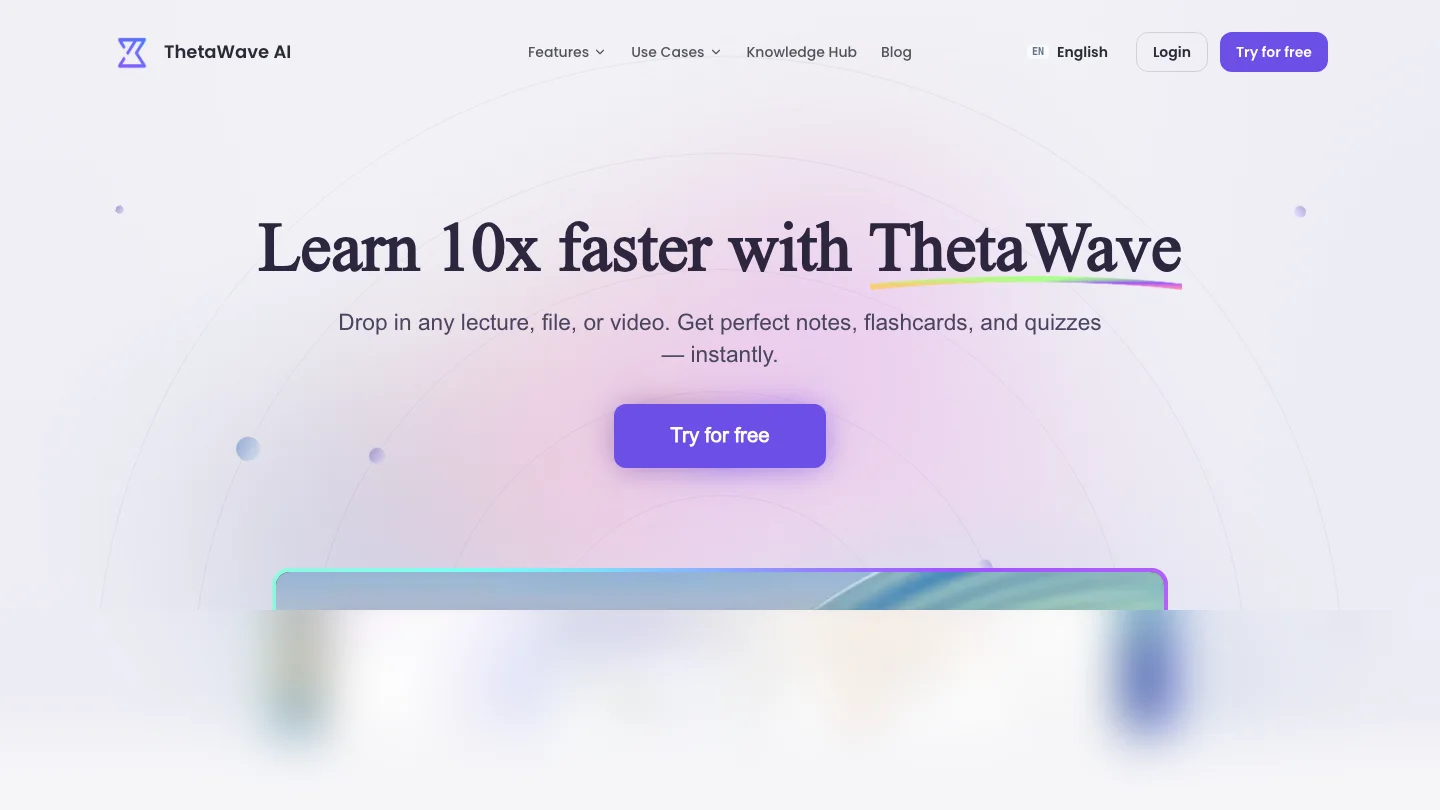
ThetaWave is an AI‑powered note‑taking platform for college students: it is designed to capture lectures in real time and transform audio, text, files, and YouTube into formatted notes, mind maps, quizzes, flashcards, podcasts, and more—a “study stack” story rather than “flashcards only.” Public messaging emphasizes speed and enjoyment (“Learn 10x faster”), plus proof points like 300,000+ students, 95% lecture capture, and 10 languages—treat these as brand claims, not guarantees for your grade.
Why it belongs in a Quizlet alternatives list: many Quizlet searches are really about retrieval practice—cards and quizzes—while the underlying bottleneck is “I need better inputs” (lecture, PDF, video). ThetaWave’s on‑site split mirrors two intents: AI Note Taker (capture / record / transcribe) vs AI Notes Generator (generate / turn materials into structured outputs). Heavy semesters often need both. For a parallel roundup focused on AI note taker apps (Otter, NotebookLM, and similar), see best AI note takers.
Workflow links (inputs → outputs) — use these as a checklist against your courses:
- Lecture to Notes · YouTube to Notes · PDF to Notes
- AI Flashcard Generator · AI Quiz Generator · AI Mind Map Maker
- Podcast Generator · AI Infographics Generator
Trade‑offs: the more capabilities you enable, the more you must audit outputs for STEM proofs, citations, and exam‑critical details—same as any AI study stack. Browser capture: Thetawave Quick Notes (requires a thetawave.ai account).
Pricing (checkpoint): freemium with a free plan, Pro from ~$0.33/day on the annual plan (about $118.80/year), and weekly / quarterly options. Verified students get 30% off the first billing cycle—confirm on-site.
Best for: undergraduate and graduate students who want lecture reality plus revision outputs beyond a single card deck.
2) Knowt — best “direct Quizlet competitor” with AI study modes
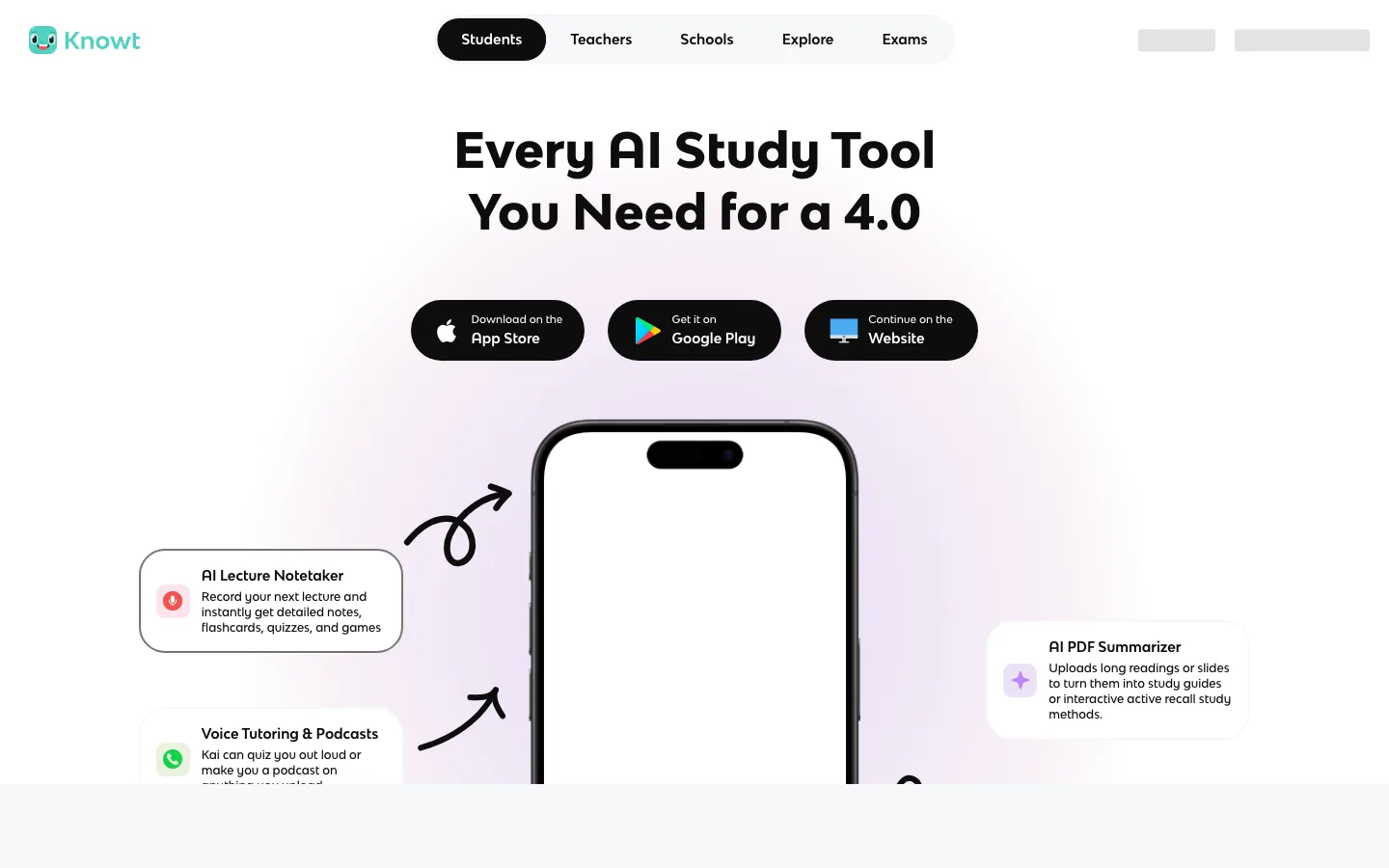
Knowt markets itself heavily as a free Quizlet alternative—with messaging around AI lecture capture, PDF/video summarization, and free learn‑style modes (company claims millions of users and large AP season usage; treat as marketing). The product’s FAQ explicitly positions itself against Quizlet’s evolving paywalling of modes students once treated as baseline.
Strengths: student‑native positioning; strong “import and study” story for sets; multiple AI study surfaces (lecture, PDFs, video, practice tests—verify current feature boundaries on-site).
Trade‑offs: competitive space with fast feature churn—run a 7‑day trial on your actual weekly workflow (import a deck, run a quiz, repeat twice).
Best for: learners whose #1 complaint is “Quizlet used to be free for how I studied,” and who want AI study tooling with a mobile + web footprint.
3) Brainscape — best for confidence‑based spaced repetition and large libraries
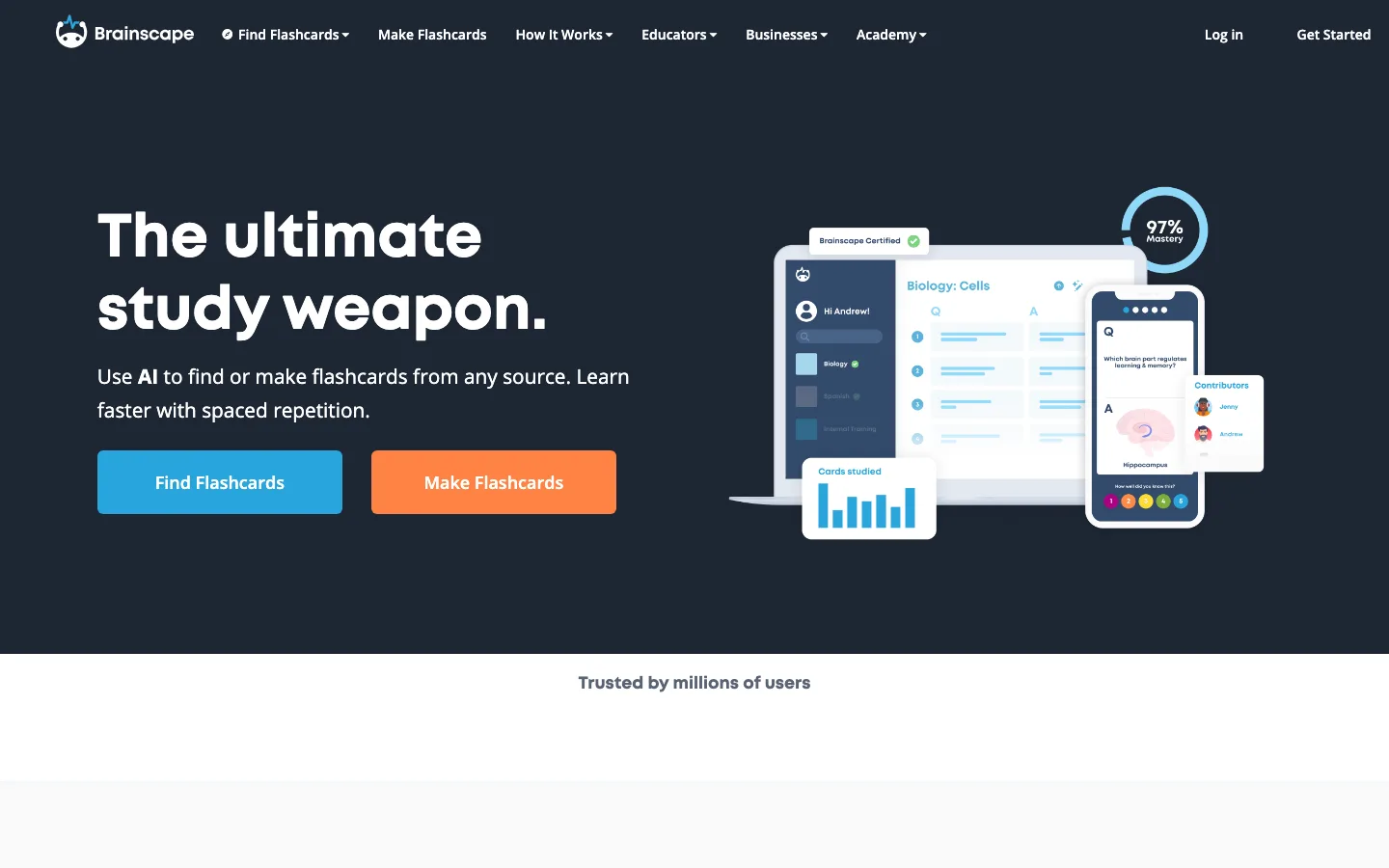
Brainscape emphasizes spaced repetition with confidence ratings (“attack your weaknesses”), AI flashcard creation from materials, and a vast flashcard library ecosystem. Brainscape also publishes explicit comparison content versus Quizlet and Anki, which is useful if you want a vendor‑authored framing—still read critically.
Strengths: mature study loop; strong positioning for long‑term retention; rich library lane for many subjects and certifications.
Trade‑offs: advanced AI creation / premium library access often pushes paid plans—confirm what your classes actually need vs a bigger subscription.
Best for: learners optimizing for SRS discipline and curated/classroom‑ready decks more than “record my lecture tomorrow.”
4) Anki — best for power users, portability, and near‑total control
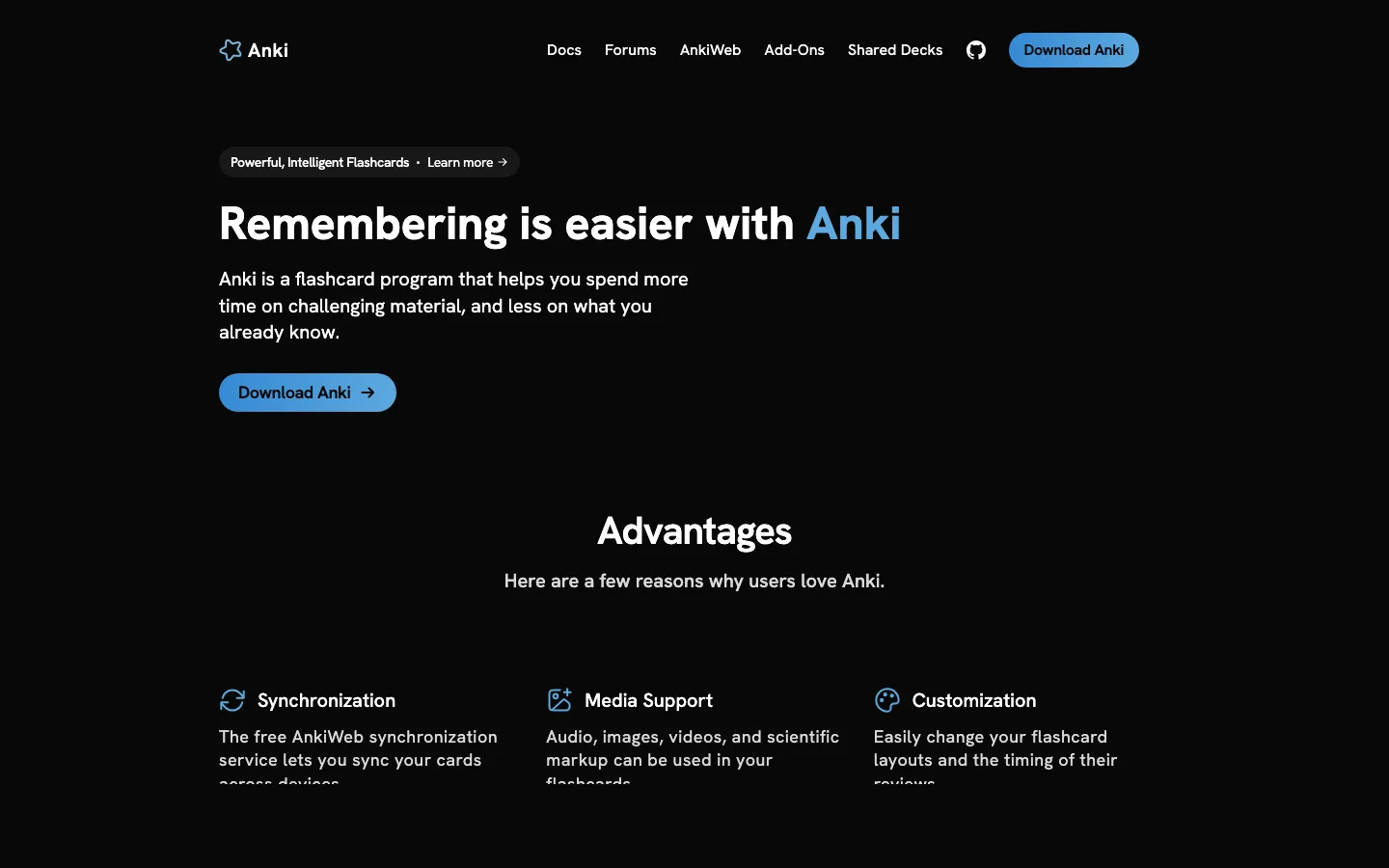
Anki is the open‑source SRS benchmark for many med‑adjacent, language, and power users. It handles large decks, media‑rich cards, add‑ons, and AnkiWeb sync across devices.
Strengths: unmatched flexibility; strong community decks; desktop/Android economics favor “low vendor lock‑in.”
Trade‑offs: learning curve and maintenance overhead; iOS uses AnkiMobile as a paid path that funds development—plan devices accordingly.
Best for: students who will happily invest setup time to own a long‑horizon SRS system.
5) RemNote — best for notes‑first learners who want SRS inside the notebook
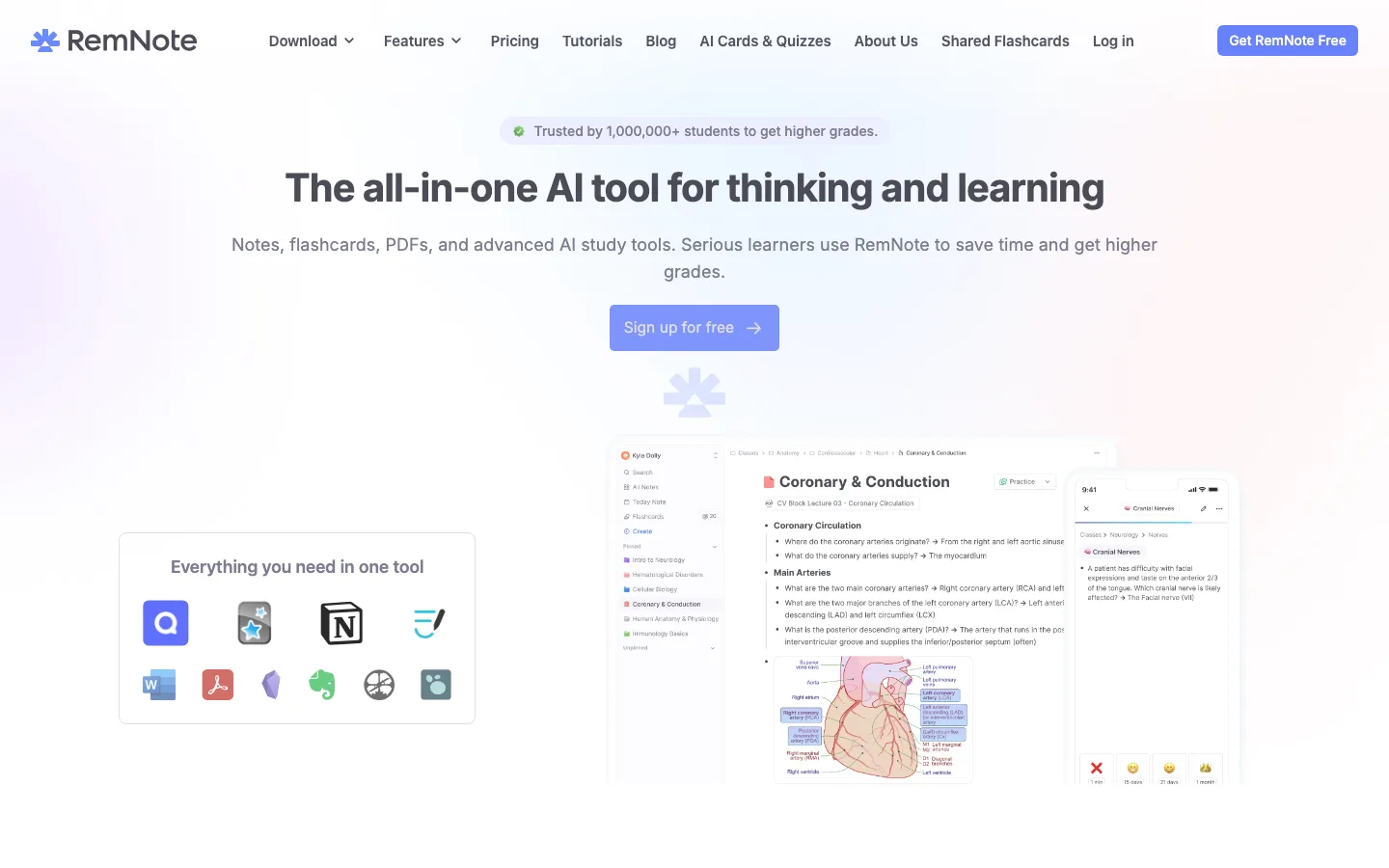
RemNote combines notes, PDF annotation, flashcards, quizzes, AI tools, and offline study—positioned as “not switching between Notion, Anki, and Quizlet.” It emphasizes spaced repetition, exam scheduling, and deep card types (e.g., image occlusion).
Strengths: tight coupling between reading/notes and cards; strong for students building a single knowledge base per term.
Trade‑offs: depth can mean setup—if you only need lightweight decks, it may feel heavy.
Best for: learners who live in PDFs and outlines, and want cards generated from the same surface they annotate.
6) Cram — best for straightforward digital flashcards and library browsing
Cram fits the “classic online flashcard” lane—useful when your main job is make card → study modes → repeat, without building an entire lecture AI stack.
Strengths: simple mental model; longstanding flashcard site pattern many students recognize.
Trade‑offs: may not match a lecture capture or multi‑modal AI workflow on its own—pair with other tools if that is your bottleneck.
Best for: minimalists who want cards first and prefer not to live inside a heavy notes workspace.
How to choose (without over‑optimizing)
- Name the bottleneck: is it pricing, study modes, imports, or inputs (lecture/PDF/video)?
- Pick a 20‑minute test: one lecture clip, one PDF, one old Quizlet deck—see what becomes review‑ready with least friction.
- Avoid duplicate subscriptions: if you already pay for a notes stack, adding a second SRS may be redundant—unless it solves a clearly different job.
- Match the semester cadence: weekly quiz classes reward fast capture → frequent mini‑reviews; finals‑heavy terms reward spaced repetition and practice tests—pick tooling that matches what you will actually keep for twelve weeks.
If your bottleneck is “I need cards and quizzes from real course materials,” ThetaWave’s outputs are designed to plug directly into that loop—start with Notes Generator or AI Flashcard Generator depending on whether you are generating from uploads vs tightening retrieval practice.
Imports, exports, and deck portability
Many students accumulate years of Quizlet sets before they ever search for alternatives. Portability matters as much as study modes: can you bring terms, definitions, and media into the next tool without rebuilding everything by hand?
When evaluating a replacement, pressure‑test four questions early—ideally on week one of a trial, not checkout day:
- Import formats: CSV, spreadsheets, Quizlet‑adjacent imports, or only manual creation?
- Bulk hygiene: After import, can you rename cards, merge duplicates, and fix terminology once across the deck?
- Exit strategy: If you cancel later, can you export to something neutral (Anki, CSV, Markdown) so the semester does not evaporate?
- Sharing rules: Shared decks are convenient until groups dissolve—check whether classmates keep access and whether licensing allows classroom use the way your instructor expects.
ThetaWave’s lane is often less “rescue a legacy Quizlet slug” and more “generate review assets from what you studied this unit”—lectures, PDFs, or clips routed through PDF to Notes, Lecture to Notes, and AI Flashcard Generator. Many students still keep classic decks for vocabulary while spinning up exam‑specific stacks from fresh materials—two valid habits in parallel.
Pairing SRS with how your professor actually tests
Spaced repetition shines when assessments reward delayed recall across weeks. If your course is dominated by open‑book problem sets, timed short answers, or projects, the winning workflow may emphasize explaining steps over card count. In those cases, routing materials through quizzes and mind maps—see AI Quiz Generator and AI Mind Map Maker—can outperform endless cards that never force you to articulate why an answer holds.
Mobile vs desktop: where you really study
Quizlet succeeded partly because review happened between classes—two minutes on a phone. Any alternative inherits the same constraint: if it only feels good at a desk, adoption dies by week four. During trials, run one session on the device you actually carry daily, then judge friction: offline access, audio review on transit, and whether PDF‑heavy flows feel usable on a small screen.
Conclusion
Alternatives are workflow bets—not skin swaps. Closest to the classic Quizlet feel: Knowt, Brainscape, Anki (by priority: modes → SRS → open‑source control). Closest to “semester‑scale” capture and outputs (notes, quizzes, cards from real materials): ThetaWave—AI Note Taker vs Notes Generator first, then flashcards, quizzes, mind maps, podcasts, and more in one stack. RemNote fits note‑native SRS; Cram fits lightweight decks only.
Next: one bottleneck, one trial week, measure time‑to‑review. Create a free account to test ThetaWave on your materials.