
ChatGPT is the default general assistant for writing, coding help, brainstorming, and open‑ended questions—but “ChatGPT alternative” searches rarely mean “another identical chatbot.” Most people are really hunting for a better fit: grounded study workflows, citations and live web, repo‑scale coding, broadcast‑grade voice, or serious image/video pipelines.
This guide is structured around jobs‑to‑be‑done, not a single leaderboard. Pricing, availability, and model names change constantly—confirm limits on each vendor’s site before you pay.
If your primary pain is student notes and course materials, start with ThetaWave (our pick for that lane) and the dedicated comparison page ThetaWave vs ChatGPT—it spells out source‑grounded notes vs generic generation. For flashcards‑first tooling, see Quizlet alternatives; for a broader AI note taker roundup, see best AI note takers.
Key takeaways
- No “one true ChatGPT killer”: strengths diverge by task (retrieval, code, audio, pixels).
- Notes / lectures / PDFs / YouTube → study outputs: ThetaWave is built for student workflows; compare positioning in ThetaWave vs ChatGPT.
- Cited answers & web grounding: Perplexity‑style tools emphasize links and retrieval—different product shape than a single chat window.
- Shipping code in a repo: Claude (models) plus IDE agents (Cursor, Claude Code‑class workflows)—not “a better prompt,” but tooling.
- Production voice / TTS: ElevenLabs‑class products vs ChatGPT’s conversation voice—different goals.
- Image / video creation: Midjourney, Runway, OpenAI Sora, Google Veo, and others—treat as creative pipelines, not chat substitutes.
Why “replace ChatGPT” is usually the wrong question
ChatGPT is best understood as a bundler: one place to ask questions, iterate drafts, and experiment. Alternatives win when you need specialized constraints:
- Evidence: answers tied to uploaded course materials, not plausible paragraphs from pretrained priors.
- Products: UIs tuned for flashcards, quizzes, calendars, not markdown in a thread.
- Integration: IDEs, DAWs, NLEs, or APIs—places chat is a bolt‑on, not the main surface.
The comparisons below are orthogonal: you may still keep ChatGPT for general tasks while using specialists where they win.
Comparison table (routing only)
“Best” depends on your bottleneck—this table routes intent → common tool directions (not endorsements of any single plan).
| Job / pain | What to look for | Example directions (verify pricing & regions) | ChatGPT’s typical gap |
|---|---|---|---|
| Course‑grounded notes & study assets | Uploads → structured outputs (notes/cards/quizzes) | ThetaWave | Copy‑paste threads; manual assembly of study stack |
| Web research with citations | Retrieved sources, traceable links | Perplexity, search‑centric assistants | Depends on plan/mode; always verify sources yourself |
| Long‑horizon coding & refactors | Repo context, patches, agents | Claude models + Cursor / Claude Code workflows | Single‑window chats without deep repo tooling |
| TTS / dubbing / voice product | Voice catalog, cloning, audio APIs | ElevenLabs | Great for conversation UX, different from “studio TTS” |
| Image generation | Style control, iterative prompting, rights/licensing clarity | Midjourney, Adobe Firefly, etc. | Rapidly improving built‑ins; studios often still go specialized |
| Video generation / editing | Camera/motion control, timelines, asset pipelines | Runway, Sora, Veo, Kling, Luma | Varies by rollout; pro workflows stay multi‑tool |
1) Notes & study workflows — ThetaWave (best ChatGPT alternative for students on course materials)
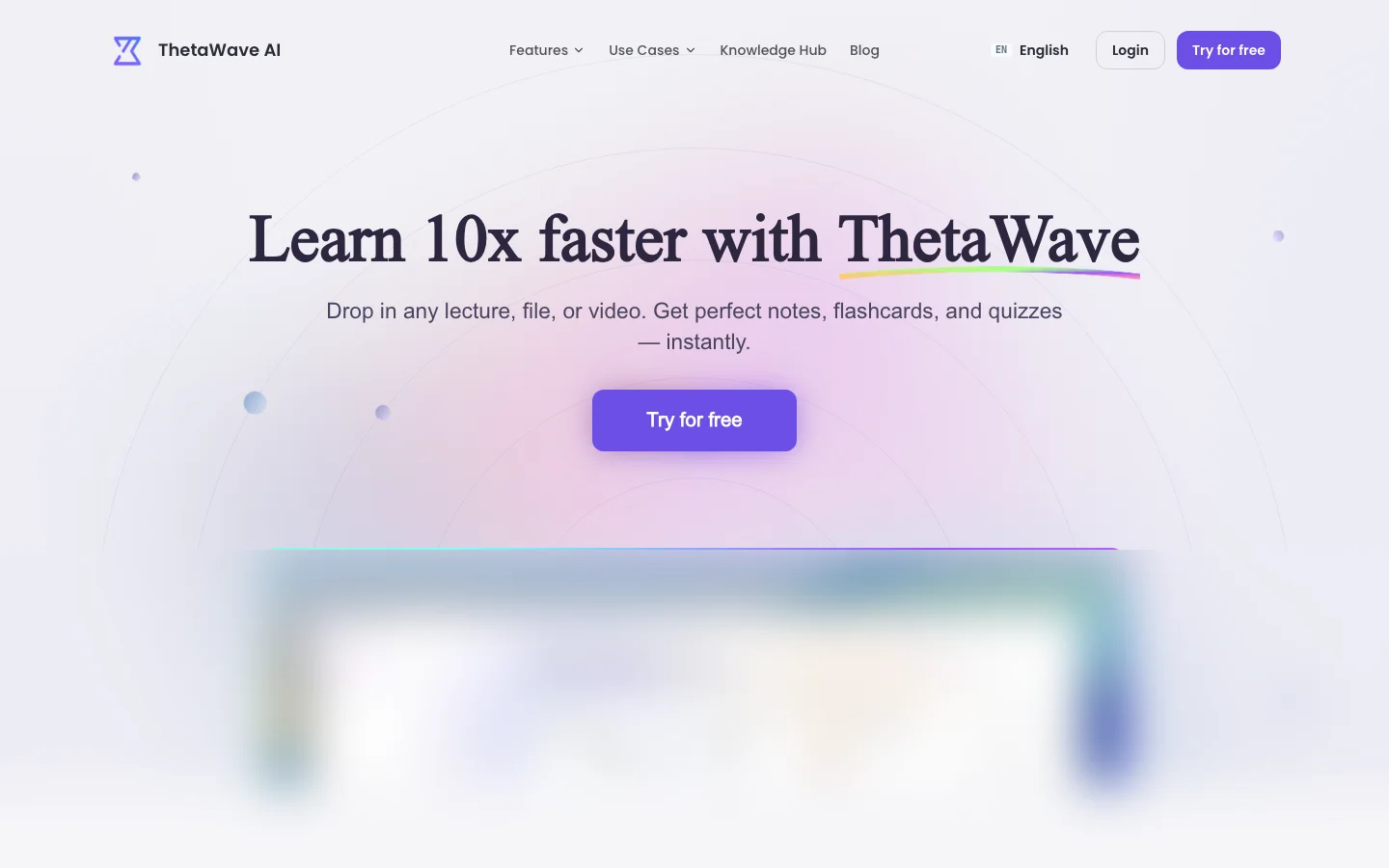
ThetaWave is an AI note‑taking platform for college students—built around capturing and transforming real coursework (lectures, audio, PDFs, YouTube, files) into formatted notes, flashcards, quizzes, mind maps, podcasts, and more. That is a different product story from “ask anything in a chat box.”
The public comparison page ThetaWave vs ChatGPT summarizes the positioning in plain language: ground outputs in your materials rather than relying purely on model recall—reducing invented “facts” when you need exam‑adjacent fidelity.
On the ThetaWave site, the two core intents are explicit—mirror your semester reality when testing tools:
- AI Note Taker — capture / record / transcribe (live and time‑bounded audio).
- AI Notes Generator — generate / turn uploads and links into structured study artifacts.
Useful workflow entry points (match them to how your classes run):
- Lecture to Notes · YouTube to Notes · PDF to Notes
- AI Flashcard Generator · AI Quiz Generator · AI Mind Map Maker
- Podcast Generator · AI Infographics Generator
For browser capture of pages and video, Thetawave Quick Notes is positioned as one‑click capture—requires a thetawave.ai account.
Trade‑offs: like any AI stack, audit STEM proofs, citations, and anything submission‑adjacent—especially when a model compresses nuance.
When ChatGPT still makes sense: quick rewrites, generic explanations, coding snippets without needing persistent course grounding in one product layer.
2) AI search & research — Perplexity (and similar “answer with sources” tools)
Perplexity popularized a search‑first interaction: short answers with links, oriented to verification rather than monologue. Competing ideas include You.com search modes and Microsoft Copilot‑style web experiences—each varies by ecosystem and account type.
Strengths: good when you need fresh web + traceability for homework prompts, market scans, or “what changed this week?” Trade‑offs: link lists are not truth—you still judge authority; some topics are inherently contested.
When ChatGPT can still win: long multi‑step reasoning inside one thread, creative drafting, or deep code iteration inside a familiar UI—if your subscription covers the modes you need.
3) Coding — Claude, Cursor, and agentic workflows (e.g., Claude Code)
Claude (Anthropic’s model family) is widely chosen for long‑context coding, careful diffs, and readability; it powers multiple products and APIs. Cursor and similar editors place models inside the repo, where refactors span many files—often closer to how software is actually shipped than a single chat tab.
Claude Code‑style workflows (agentic coding tools in the terminal/IDE) focus on tasks over prompts: planning, applying patches, and iterating in your environment—exact names and features evolve; follow official docs.
Strengths: better alignment with engineering reality (tests, branches, CI). Trade‑offs: you must enforce company policy on secrets and customer data—never paste proprietary code into unknown tools.
When ChatGPT still makes sense: small scripts, SQL one‑offs, and quick questions where repo‑wide agents are overkill.
4) Voice & TTS — ElevenLabs (production speech vs conversational voice)
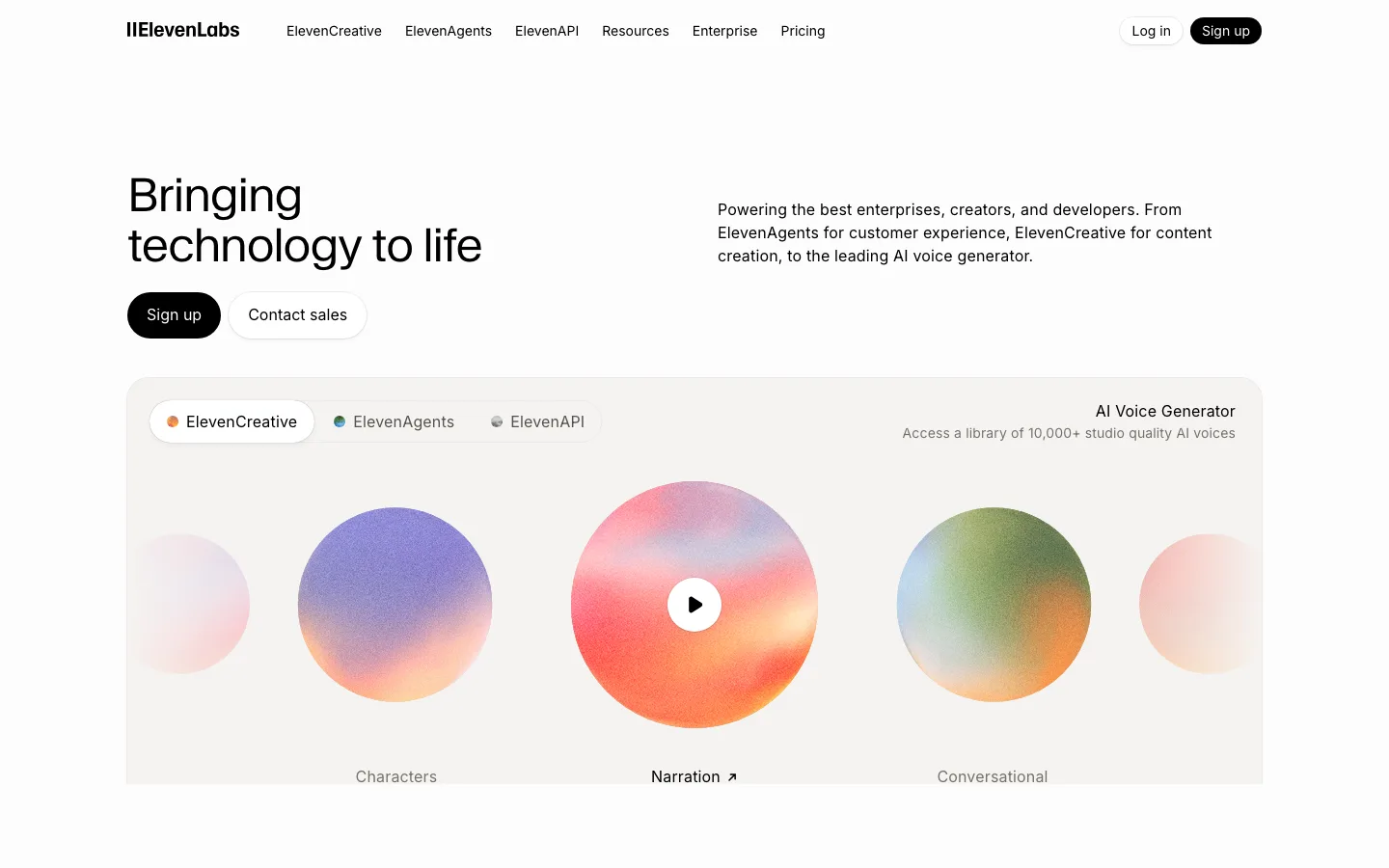
ElevenLabs focuses on high‑quality speech synthesis, cloning, and creator workflows—often used for voiceover, localization, and media pipelines. That is not the same job as ChatGPT’s voice conversation UX, which optimizes dialogue and instruction following.
Strengths: sound quality and productization for audio output; APIs for builders. Trade‑offs: licensing/voice rights and per‑minute economics differ from a chat subscription—read terms.
When ChatGPT still makes sense: you mostly need spoken explanations or tutoring‑style back‑and‑forth instead of broadcast audio.
5) Image & video — specialized generators (Midjourney, Runway, Sora, Veo, and others)
Images: Midjourney remains a common choice for aesthetic exploration and community workflows; Adobe Firefly often shows up where enterprise rights matter—always read license terms for your use case.
Video: Runway, OpenAI Sora, Google Veo, Kling, Luma, and others compete on motion quality, camera control, audio sync, and pricing tiers—availability and region rules shift; treat roundups as orientation, not permanence.
Strengths: creative control and long‑form media iteration outside chat constraints. Trade‑offs: policy constraints, generation cost, and revision workflows still favor pro tooling for serious deliverables.
When ChatGPT still makes sense: quick storyboards or illustrative frames when you do not need timeline‑grade editing.
How to choose (fast)
- Name the output: note stack, cited memo, merged PR, mp3, mp4, png—not “an answer.”
- Name the source: your PDFs, the public web, or a private repo—each implies different tools and risks.
- Run a one‑week pilot on one class or one repo—measure time‑to‑usable artifact, not vibes.
Subscription overlap and honest budgeting
Students rarely “replace ChatGPT” with one cheaper chat. They assemble stacks: a retrieval assistant, a coding stack, maybe audio or image tooling for presentations. Monthly lines add up faster than any single sticker price suggests.
Before you subscribe to multiple “best in class” products, map roles explicitly: where do you need fresh web citations, where course‑grounded notes, where repo‑native engineering? Clarity often shrinks how many subscriptions you truly need—for example, keeping ChatGPT for generic drafting while moving evidence‑heavy study workflows into AI Notes Generator and material‑first routes like Lecture to Notes or PDF to Notes.
Budget for annual billing, API meter if you automate, and education discounts that require verification—the discount that matters is the one you can renew after finals without regret.
Privacy, campus policy, and what you paste where
Colleges increasingly publish generative‑AI guidance. Policies rarely say “never use AI”; they specify which tasks must be yours, what to disclose, and what counts as unauthorized assistance.
Treat tools as risk buckets, not brands:
- General chat: strong for brainstorming and small coding tasks; weak when you need verbatim fidelity to lecture sources without manual verification.
- Grounded study stacks: lower “invented fact” risk when outputs trace to your uploads—still not a substitute for understanding, which is why ThetaWave vs ChatGPT frames material‑linked work explicitly.
- IDE / agent tools: never paste proprietary employer or client code into environments your organization has not approved—even if the model feels helpful.
When a syllabus is ambiguous, email the instructor before the deadline, not after an academic‑integrity conversation starts.
When “alternatives” are interface choices, not model choices
Sometimes the problem is not ChatGPT’s capability but how you use it: unstructured threads, missing templates, no separation between course material and generic web knowledge. Before switching vendors, experiment with disciplined prompts, pinned instructions, and clear per‑class folders—cheap fixes that can save hundreds per year.
Alternatives earn shelf space when they remove hours of weekly friction—capture that turns into flashcards, quizzes, and podcasts without you becoming a markdown janitor—or when a specialist surface (IDE, studio TTS, timeline video) matches how you ship work. AI Note Taker vs Notes Generator on ThetaWave is one example of the same underlying model split into student‑legible workflows; the lesson generalizes.
Conclusion
The best ChatGPT alternative is use‑case specific. Keep ChatGPT where it is unbeatable—fast iteration, broad knowledge, casual coding—and add specialists when a job demands structure, grounding, or production pipelines.
For students translating real coursework into structured study assets, ThetaWave is the clearest “not just another chat” option on this list—read ThetaWave vs ChatGPT for the clearest side‑by‑side framing, then explore AI Note Taker and AI Notes Generator. Ready to try it? Create a free account.