AI Notes for Online Learners
5 platforms, 5 formats, zero unified system. ThetaWave builds one searchable library from every video source you use.
Trusted by 300,000+ students · 100+ universities
How It Works
Three steps. That's it.
Add Sources from Any Platform
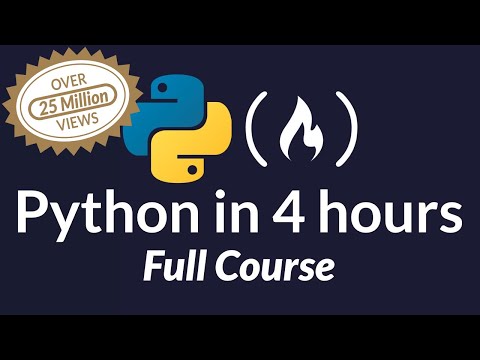
Paste YouTube links, upload Zoom recordings, drop Coursera downloads, or add edX MP4s — all into one workspace.
Unified Searchable Library
Every video becomes structured notes. Search across all your courses by keyword — no more scrubbing through footage.
Cross-Course Connections
Spot where your statistics course overlaps with your research methods class. ThetaWave links concepts across sources.
Sound Familiar?
5 platforms, 5 formats, zero unified system
Your Coursera specialization is on one site, Khan Academy on another, Zoom recordings in a folder, and YouTube videos in a playlist. Searching for one concept means checking everywhere.
You finished the course but can't find what you learned
You completed 8 modules across 3 platforms — but when you need a specific concept for a project, you can't remember which video covered it. AI-structured notes make everything searchable.
Re-watching is the only way to review
Online courses don't come with notes. Your only review option is re-watching a 45-minute video for the 3 key points you need.
Why ThetaWave Helps
any video, structured notes
Drop a YouTube, Khan Academy, or MIT OCW URL and get timestamped, structured notes with YouTube to Notes. Works with any public video.
Zoom, Teams, and MP4 files
Upload Zoom recordings, Teams meetings, or downloaded MP4s — get searchable notes indexed alongside your YouTube content.
cross-platform knowledge base
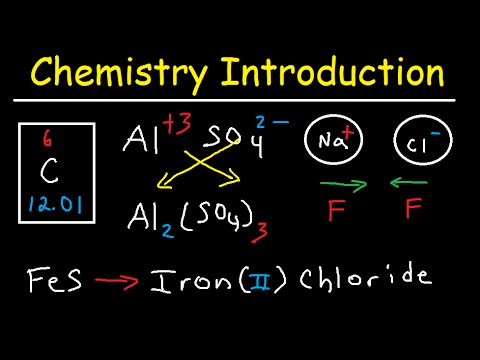
Merge notes from 3 Coursera courses, 12 YouTube tutorials, and 5 Zoom lectures into one searchable library. Find any concept instantly.
What The Finished Notes Usually Look Like
These examples are closer to what students actually keep and review after class, meetings, or exam prep.
Module Summary
A long online module condensed into one note with the few ideas worth keeping after the video ends.
Live Session Recap
Zoom or livestream notes organized with timestamps, key questions, and next actions instead of a full transcript dump.
Cross-Platform Study Note
Material from YouTube, MOOCs, and downloads combined into one note so you stop hunting across tabs.
Checkpoint Notes
Short progress notes that show what you already finished, what still matters, and what to review next.
Why For Online Learners fits ThetaWave better
In this kind of workflow, the real win is not getting a quick answer. It is turning lectures, PDFs, meetings, and readings into material you can keep using later.
| Feature | ThetaWave | ChatGPT |
|---|---|---|
| Workflow input | YouTube, Zoom, MOOCs, and downloaded slides in one flow | Usually one link or one text block at a time |
| Structured output | Module summaries, live-session recaps, cross-platform notes, and checkpoints | Outputs stay fragmented across platforms |
| What you can keep doing after | Supports cumulative review and cross-course search | Harder to turn into a long-term learning library |
| Source grounding | Based on the actual course videos and files | More likely to become a generic summary |
| Fit for this workflow |
How For Online Learners usually get organized
Works with YouTube, Coursera, edX, Zoom, and MP4 files
Average 40 minutes saved per lecture vs. re-watching
6+
platforms unified into one searchable library
"I'm taking 3 Coursera specializations and supplementing with YouTube. ThetaWave gives me one searchable library for everything — I never re-watch a video anymore."
Frequently Asked Questions
One Library for All Your Online Courses
Unify Coursera, YouTube, Zoom, and edX into a searchable knowledge base. Stop re-watching — start reviewing with structured notes.
Also available on mobile