Structured Notes for how I'd use NotebookLM for studying to learn ANY subject
A student-facing outline that turns the video into a portable NotebookLM routine for new classes, readings, and exam topics.
- Start with the actual material for the subject
- Ask for a learning path before requesting isolated answers
- Save only the questions and examples that help with later recall
Key takeaways
- The video is useful because it frames NotebookLM as a reusable student routine, not only a one-off tool tutorial.
- The workflow can move across subjects if the learner keeps the process stable: source, structure, examples, questions, review.
- The page focuses on what changes by subject and what should stay the same in the study method.
Mind Map - one workflow across different subjects
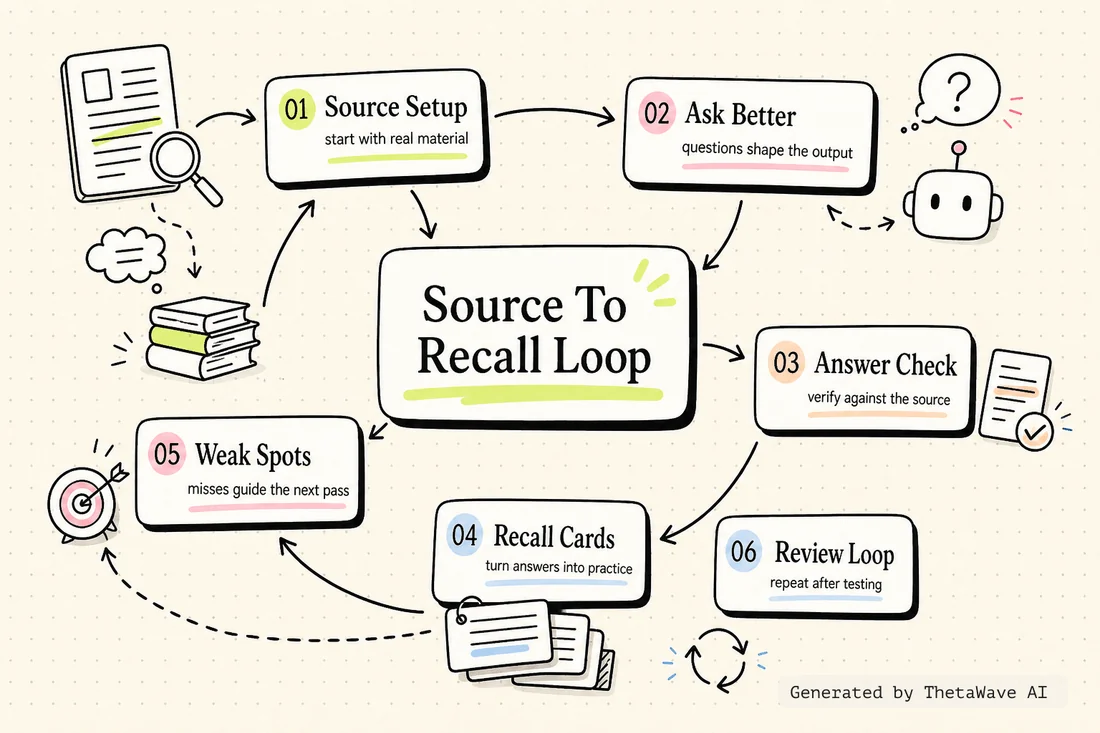
The map shows the stable workflow in the center and branches into source, guide, examples, questions, flashcards, and review.
- Makes the reusable routine visible
- Shows where subject-specific content enters the process
- Keeps review separate from first-pass understanding
Quiz - test whether the workflow transfers
This check separates the reusable process from the parts that must be customized to the current source.
- Tests the difference between stable process and subject-specific content
- Checks whether the learner can turn a study guide into recall questions
- Uses workflow mistakes as review decisions
“Changing the whole study process every time the class changes” — is this a recommended approach?
Flashcards - keep the portable study cues
Cards focus on reusable questions and decisions: what to ask NotebookLM, what to save, and when to test yourself.
- One card for each repeatable workflow step
- Back side explains when to use the step
- Useful when starting a new course or unfamiliar subject
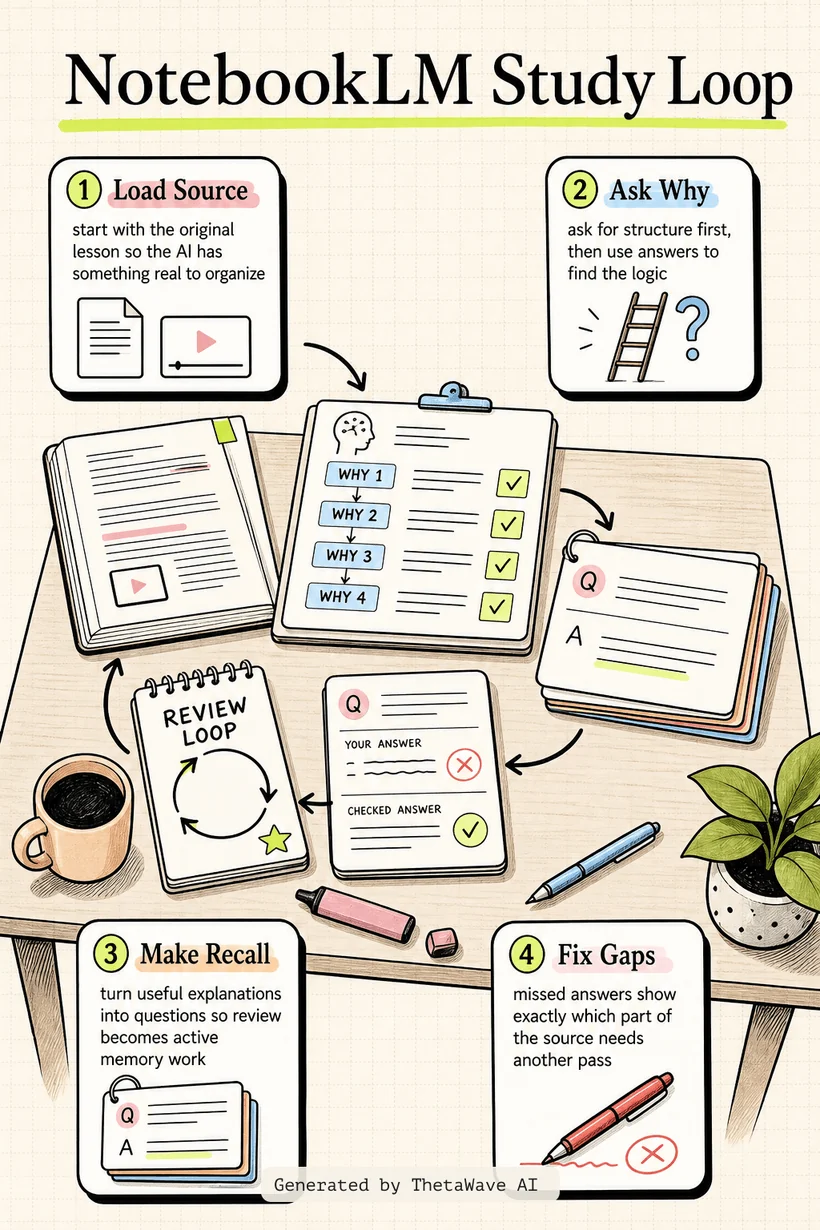
Infographic - a five-step NotebookLM routine
The visual explainer turns the short workflow into a student checklist: source, path, examples, questions, and review.
- Keeps the process simple enough to reuse
- Shows why the same workflow can travel across subjects
- Highlights the final review step so the tool does not become passive reading
Podcast - turning a short workflow into a study habit
A two-host recap explains how a short NotebookLM routine can become a practical habit for starting any new topic.
- Explains why the process should stay stable
- Shows how the source changes while the routine stays the same
- Ends with a quick self-test habit for every subject
how I’d use NotebookLM for studying to learn ANY subject
Host 1: This video works because it is short, but the workflow can travel across subjects.
Host 2: The stable part is the process: put in the source, ask for a learning path, get examples, then make questions.
More notes for AI Study Tools
Same study format, different source. Compare how ThetaWave turns related material into notes, maps, quizzes, flashcards, and visuals.

ChatGPT Study Mode Explained
Justin Sung · 276K views · 21m
Explains how AI study mode changes the way students ask questions, practice recall, and review material.

How to Learn FASTER With AI - Google NotebookLM
Justin Sung · 214K views · 44m
Shows how students can turn source material into summaries, explanations, and review steps.

I Used ChatGPT for 7 Days to Study – It Actually Worked!
Aakashh B · 80K views · 12m
A concrete AI studying experiment that can be turned into workflow notes and practice reflections.

How to Make Anki Flashcards 10x Faster with AI (for free!)
Ray Amjad · 325K views · 10m
A practical AI flashcard workflow that helps students compare card creation speed with active recall quality.
Frequently Asked Questions
Everything you need to know about how i’d use notebooklm for studying to learn any subject.
Turn any YouTube video into notes like this.
Paste a YouTube link and get source-based notes, a mind map, quiz, flashcards, infographic, and podcast preview in minutes.